


Every time you open a browser and visit a website, your device sends a request across the internet that carries your IP address, location, and other identifying details. The average internet user doesn't think twice about this, and most people have no real reason to.
But while browsing, you may want more control over what gets shared and how. Maybe you're trying to watch something that isn't available in your region, or you're sitting in a café on public Wi-Fi and don't want your activity exposed to anyone else on that network.
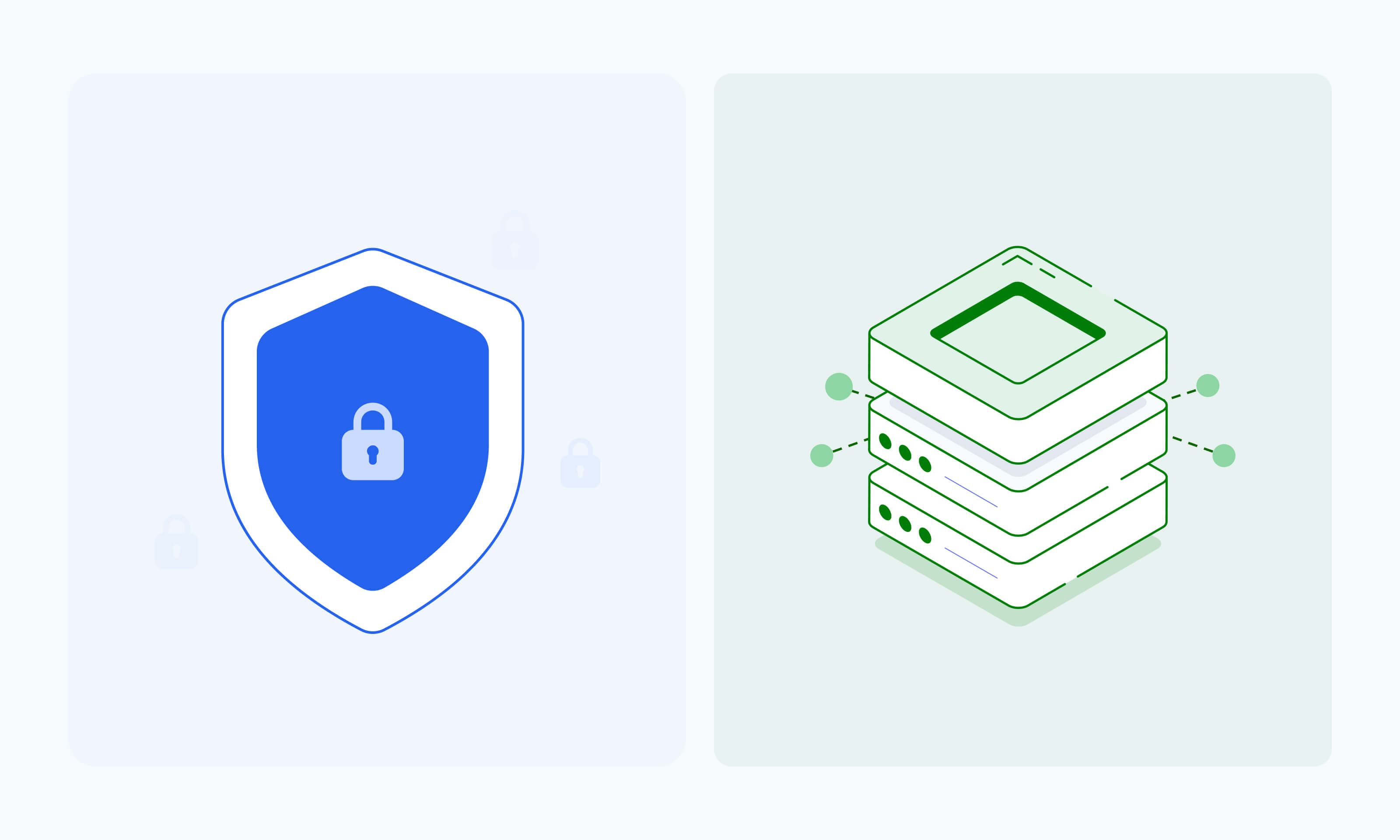
VPNs and proxies both solve this by routing your traffic through another server before it reaches its destination, which hides your real IP and gives you more flexibility over how you connect. Although they serve similar purposes, they work in fundamentally different ways and are suited to different situations.
This article breaks down how VPNs and proxies work, where they differ, and how to figure out which one makes sense for you.
What Is a VPN?
A VPN, or Virtual Private Network, is a service that encrypts your internet connection and routes it through a remote server before it reaches the websites or apps you're using. From the outside, your traffic appears to come from the VPN server rather than your actual device, which keeps your real IP address and location hidden.
VPN use cases
VPNs are popular for a reason, and most people already use them in at least one of these situations:
- Securing traffic on public Wi-Fi: On networks you don't control, like those in coffee shops or airports, your traffic is visible to anyone on the same connection. A VPN encrypts everything, so your activity stays private regardless of where you're connecting from.
- Accessing geo-restricted streaming content: A VPN makes it appear as though you're browsing from wherever the VPN server is located, which is why so many people use them to access streaming libraries that vary by region or are restricted to/from specific locations.
- Protecting personal browsing privacy: For people who don't want their internet provider or third parties tracking their online activity, a VPN keeps that traffic hidden behind the VPN server's IP address.
- Connecting to company networks remotely: People accessing company systems from outside the office use VPNs to keep internal data protected, since the encrypted tunnel shields sensitive information from being intercepted along the way.
Benefits of VPNs
VPNs work at the operating system level, which is the core of your device’s software. Once you connect to it, every app on your device routes traffic through the VPN tunnel automatically and is protected.
Your browser, streaming apps, email client, and everything else all go through the same encrypted connection without any extra configuration on your end. This makes VPNs a solid option for general privacy and security, especially on networks you don't control.
Limitations of VPNs
The encryption that makes VPNs secure also makes them slower. Every packet of data has to be encrypted and decrypted, which adds overhead to every request.
For casual browsing, that's usually fine, but for tasks that involve high volumes of requests, that slowdown becomes more noticeable.
VPNs also give you limited control over how your traffic is routed because everything goes through the same tunnel, and you can't direct specific apps through different servers without disconnecting and reconnecting to a different one entirely.
For example, if you want your browser to connect through a server in Germany while another app connects through a server in the US, there's no way to do that while staying on the same VPN connection.
How VPNs Work
When you connect to a VPN, your device stops sending requests directly to the internet. Instead, it sends them to a VPN server first, and that server forwards them on your behalf.
Two things make this possible. The first is encryption, which scrambles your data before it leaves your device, so even if someone intercepts the traffic, they can't read it. Second is tunneling, which wraps the encrypted data and moves it securely between your device and the VPN server, keeping it separate from the rest of the internet traffic around it.
What determines how both of those things work is the type of VPN protocol your VPN runs on. Common ones include:
- OpenVPN: Released in 2001, it remains widely trusted for its long track record of reliability and strong community support.
- WireGuard: Released in 2019, it was built to be faster and less resource-intensive than older protocols, meaning it uses less processing power and battery without sacrificing protection.
- IKEv2: Commonly used on mobile devices because it reconnects quickly when you switch between Wi-Fi and mobile data.
The protocol a VPN uses can affect both connection speed and how the data is protected. Many VPN services choose a default protocol inside their apps, with some allowing users to switch between options depending on their device or connection needs.
What Is a Proxy?
A proxy is a server that acts as a middleman between your device and the internet. When you send a request through a proxy, it forwards that request on your behalf, so the destination sees the proxy's IP address instead of yours.
Unlike a VPN, a proxy only handles traffic from the specific app or browser you've configured it for, so the rest of your device connects to the internet as normal.
Proxy use cases
Proxies are a practical tool for a wide range of everyday and technical tasks. Here are some of the most common ways people put them to use:
- Web scraping and data collection: When you need to pull large amounts of data from websites, proxies let you send requests through different IP addresses so your activity doesn't get flagged or blocked.
- SEO monitoring: Marketers and site owners use proxies to check how their pages rank in different regions, since search results vary depending on where the request comes from.
- Ad verification: Proxies let you view ads the way audiences in different locations see them, which helps you spot ads that are showing up on the wrong websites or being served to the wrong audiences.
- Automation workflows: Any automated task that involves sending repeated requests to a website benefits from proxy routing, since it distributes the traffic across multiple IPs rather than hammering a single connection.
- Software testing across locations: Developers use proxies to simulate how their apps or websites behave for users in different countries, without needing to be physically present in those locations.
Common types of proxies
Proxies come in different forms, and the differences between them matter depending on what you're trying to do:
- HTTP proxies: Designed specifically for web traffic, these handle the requests your browser makes when loading websites. They can read and cache web content, which makes them straightforward to use for general browsing.
- SOCKS proxies: More flexible than HTTP proxies, SOCKS (Socket Secure) proxies can handle different types of internet traffic beyond just web browsing. They pass data along without inspecting it, which makes them useful for a wider range of tasks.
- Datacenter proxies: These come from servers hosted in data centers rather than real homes or devices. They're fast and widely available, making them a practical option for users who need reliable performance.
- Residential proxies: These are tied to real devices and home internet connections, which makes them harder to detect and block. They're better suited for situations where appearing as a regular user matters.
Benefits of proxies
Because proxies don't encrypt your traffic by default, they add very little overhead to your connection. That makes them faster than VPNs for targeted tasks, and since they work at the application level, you can route specific traffic through a proxy without affecting anything else on your device.
Limitations of proxies
Proxies don't encrypt your data, so while your IP address is hidden, the content of your traffic can still be visible to intermediaries. They also require some configuration to set up, which takes a bit more effort than simply toggling a VPN app on.
How Proxies Work
Here's an overview of the internal mechanisms at play when you connect to a proxy server.
Requesting forwarding
Every time you make a request through a proxy, the proxy handles the connection on your behalf. This is what allows you to mask your IP address and appear to be browsing from a different location, since the destination reads the proxy's address rather than your own.
Header modification
When your browser sends a request, it includes headers that carry information about your device, browser type, and sometimes your original IP address. A proxy can strip or modify those headers before the request reaches its destination, which reduces the amount of identifying information that gets passed along.
Caching
Some proxies store copies of responses from websites they've already fetched. If you request the same page again, the proxy can serve it from its cache rather than making a fresh trip to the website, noticeably speeding things up for repeated requests.
VPN vs Proxy: Main Differences and Similarities
At a high level, VPNs and proxies do the same thing. Both hide your IP address by routing your traffic through another server, and both can help you bypass location-based restrictions on content or services.
It's easy to look at that overlap and assume the two are interchangeable. But there are real differences between them that matter depending on what you're trying to do.
Here are the areas where VPNs and proxies diverge:
- Scope: A VPN works at the operating system level, meaning every app on your device sends its traffic through the VPN tunnel automatically. A proxy works at the application level, so only the specific app or browser you've configured to use the proxy is affected, and everything else on your device connects normally.
- Encryption: VPNs encrypt your traffic by default, which is what makes them a strong option for privacy and security. Proxies don't encrypt data, so the content of your traffic can still be visible to others on the network.
- Performance: Because VPNs encrypt every packet of data that passes through them, they require extra processing power on both ends of the connection, which slows things down. For casual browsing, that's rarely noticeable, but for tasks that involve sending large volumes of requests, the slowdown adds up. Proxies skip the encryption step, and this is why they’re faster for high-volume tasks.
- Pricing: VPNs are typically sold as a flat monthly subscription, while proxies are usually priced by the number of IP addresses you need, by bandwidth consumed, or both.
Why Use a Proxy Instead of a VPN
As we've covered, VPNs and proxies both offer the same functionality at the base level, so whether you should use a VPN or proxy depends on your situation.
Here are some reasons why a proxy might be the better fit:
- Lighter network footprint: Because proxies don't encrypt your traffic, they don't add the processing overhead that VPNs do. Your connection stays lean, which matters when you're making a lot of requests or working with speed-sensitive tasks.
- Application-specific routing: A proxy only affects the app or tool you've pointed at it, so the rest of your device behaves normally. That level of control is something a VPN can't offer without switching the entire connection.
- Better performance for automation: For tasks that involve sending large volumes of requests, like scraping or automated testing, the speed difference between a proxy and a VPN is noticeable. Proxies handle high request loads without the slowdown that comes with encrypting every packet.
- More flexible configuration: Proxies are easier to integrate into scripts and workflows. You can point specific tools at specific proxy servers, swap them out when needed, and manage how your traffic is routed without touching the rest of your setup.
Why Technical Users Choose Proxies
For developers and technical users, the appeal of proxies goes beyond just hiding an IP address. Proxies offer a level of control over internet traffic that VPNs aren't built to provide.
Here's what makes them a better fit for technical workflows:
- Control and customization: With a proxy, you can decide exactly which traffic gets routed through it and how. That level of precise, per-application routing is useful when you're building tools that need to interact with the web in specific ways, such as sending requests from a particular location or testing how a website responds to traffic from different sources.
- Scalability: A single VPN connection has limits. Proxies can be scaled across large pools of IP addresses, so you can distribute thousands of requests without bottlenecking through a single server or triggering rate limits.
- IP rotation: One of the more practical advantages for technical users is the ability to rotate IP addresses automatically. Instead of sending all requests from the same IP, each request goes through a different address, which reduces the chance of getting blocked or flagged during data collection tasks.
- Tool integration: Proxies fit cleanly into existing technical setups. So whether you're working with scraping frameworks, browser automation tools, or testing environments, configuring a proxy is usually straightforward and doesn't require changes to the rest of your infrastructure.
Why Test Webshare Proxies
If you’ve decided to give proxies a try, Webshare is a great place to start.
Webshare offers datacenter, static residential (ISP), and rotating residential proxies available in shared, private, and dedicated options.
Whether you need fast and affordable shared datacenter proxies hosted on servers in data centers and shared across multiple users, or premium private and dedicated proxies for greater control and consistency, Webshare makes it easy to get started.
You can access them immediately without entering a credit card, so you can test the setup and see how it fits your workflow before committing to anything.
Here's what you get:
- Chrome extension: If you're used to the one-click experience of a VPN, Webshare's Chrome extension works the same way. You connect with a single click, and you're routing traffic through a proxy without touching any settings or configuration files.
- Developer-friendly API and dashboard: For users who want more control, Webshare offers an API and a dashboard that make it straightforward to manage your proxies, monitor usage, and integrate them into your existing tools.
- Multiple proxy types: Webshare offers datacenter, static residential (ISP), and rotating residential proxies, so you can choose based on what your use case requires, whether that's raw speed or a more authentic-looking IP address.
- 80M+ IPs across 195 countries: Webshare's proxy network spans over 80 million unique IP addresses in 195 countries, allowing you to target virtually any location worldwide.
- Direct routing control: You decide how your traffic is routed, which IPs you use, and how requests are distributed, giving you the kind of hands-on control that a standard VPN subscription doesn't offer.
Ready to see how proxies work in practice? Try the Webshare Chrome extension for free and get started in minutes. You can also compare proxy types to find the one that fits your use case best.
Conclusion
So, which should you use, VPN or proxy? Both route your traffic through another server and hide your IP address, but they're built for different situations.
A VPN covers your entire device with encryption, making it a solid choice for general privacy and security. A proxy, on the other hand, works at the application level, giving you faster, more targeted routing without the overhead of encrypting everything on your device.
For anyone who needs more control over how their traffic is handled, whether that's running automated workflows, collecting data at scale, or just looking for a leaner alternative to a VPN subscription, proxies are worth a closer look.
-1743061344.png)


